
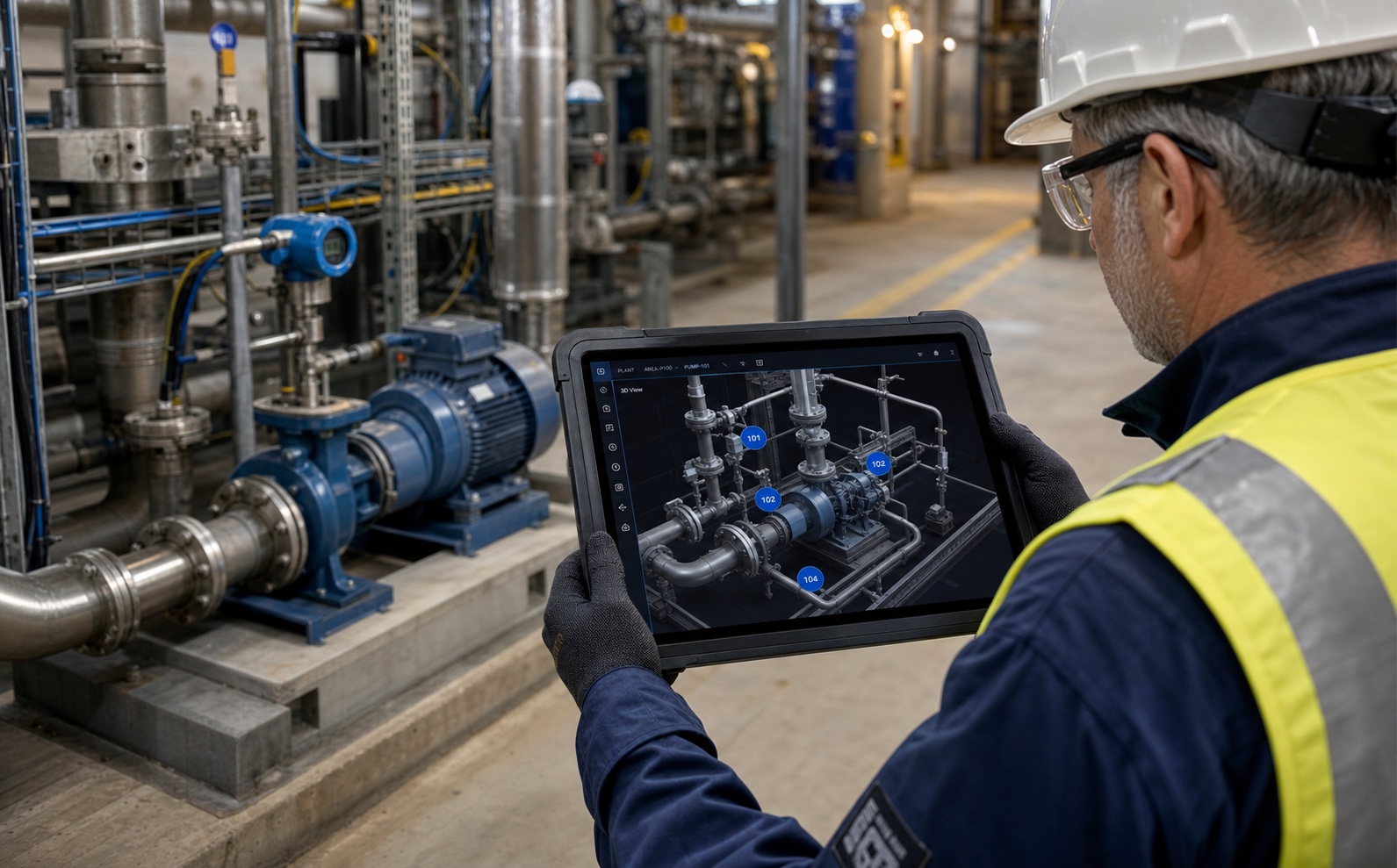
Facility information may be spread across drawings, maintenance records, measurement screens and equipment lists. You do not need to connect everything at once. For Plantica Operations, first identify the equipment and information you want to see in the model. Required connections are assessed as part of the project.
Identify the task
Which equipment readings do you need to see? Which maintenance document do you need to find? Identify who will use the information and how often it needs updating.
Choose the relevant information sources
Identify the equipment, its location in the model and the data to connect. Review access permissions and the connection method for your existing systems.
Evaluate the first application with users
Is equipment information easier to find? Does it help with maintenance preparation? Review the first application with its users before adding more equipment.
Getting started checklist
- The equipment and facility area have been identified.
- The team that will use the information is known.
- Required readings or documents have been selected.
- Information sources and access permissions have been reviewed.
- The team has agreed how to evaluate the first application.